
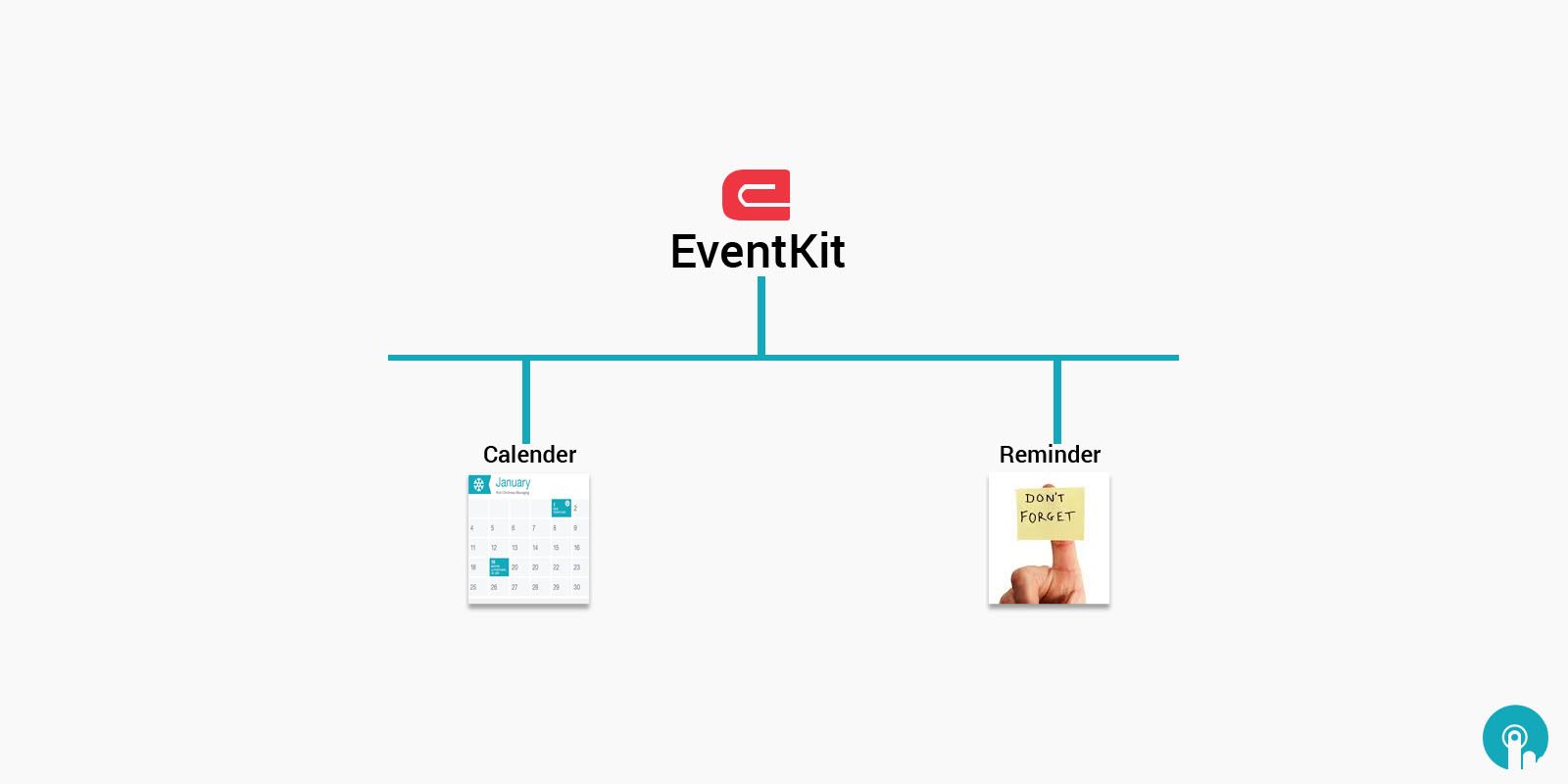
EventKit is not so familiar frameworks existing on iOS and Mac OS. This framework has one purpose only, to let us access the calendars, the events and the reminders of a device, and work with them. If you have ever been wondered about how you can create custom events through your app, or how to set reminders without using the Reminders app, then the Event Kit is the best answer.
iOS has two calendar-related applications the Calendar Application, and the Reminders Application. It’s simple enough to understand how the Calendar Application manages calendar data, but the Reminders Application is less understandable. Reminders can actually have dates associated with them in terms of when they’re due, when they’re completed etc. As such, iOS stores all calendar data, whether it be calendar events or reminders, in one location, called the Calendar Database.
The EventKit framework provides a way to approach the Calendars, Calendar Events, and Reminders data that Calendar Database stores. Access to the calendars and calendar events has been available since iOS 4, but access to reminders is new in iOS 6. As such, to do general EventKit development, you’ll need to target at least version 4.0 and 6.0 for reminders.
in addition, the Reminders application is not available on the simulator, which means that reminders data will also not be available, if you add them first. moreover, access requests are only shown to the user on the actual device. As such, EventKit development is best tested on the Device.
An Overview of the Event Kit Framework
The Event Kit Framework consists of a range of classes considered specially to provide access to the calendar database and to make possible the management of events, reminders and alarms. In terms of integrating reminders into an iOS applications, these classes are EKCalendar, EKEventStore, EKReminder and EKAlarm.
The EKEventStore class provides an interface between applications and the fundamental calendar database. The calendar database can in turn contain multiple calendars (for example the user may have a work calendar and a personal calendar configured). Each calendar in a database is represented in code in the form of an EKCalendar object.
Within each calendar there are events and reminders, each of which is managed in code using the EKEvent and EKReminder classes respectively.
Finally, the EKAlarm class is used to configure alarms to alert the user at a specified point in the future.
The Event Kit Framework provides a platform for building reminders into iOS applications. Reminders can be triggered based on either a date and time or change of geographical location.
Want results like these for your business?
Tell us what you're working on. Our engineers will review it and get back to you.
Keep reading
Apple’s iOS 9 made your iPhone easier to use
In 2013, Apple announced iOS 7, a dramatic overhaul of its cell operating approach. For the first time, it ditched its faux-real-lifestyles skeuomorphism—the felt poker table in game center, the yellow legal pad in…
Read article
Apple’s Next-Generation Mobile OS iOS 9
iOS 9, codenamed Monarch, is Apple’s next-generation mobile operating system. It was announced at WWDC 2015 at Moscone Center in San Francisco on June 8, 2015. Apple’s Worldwide Developer Conference is where Apple…
Read article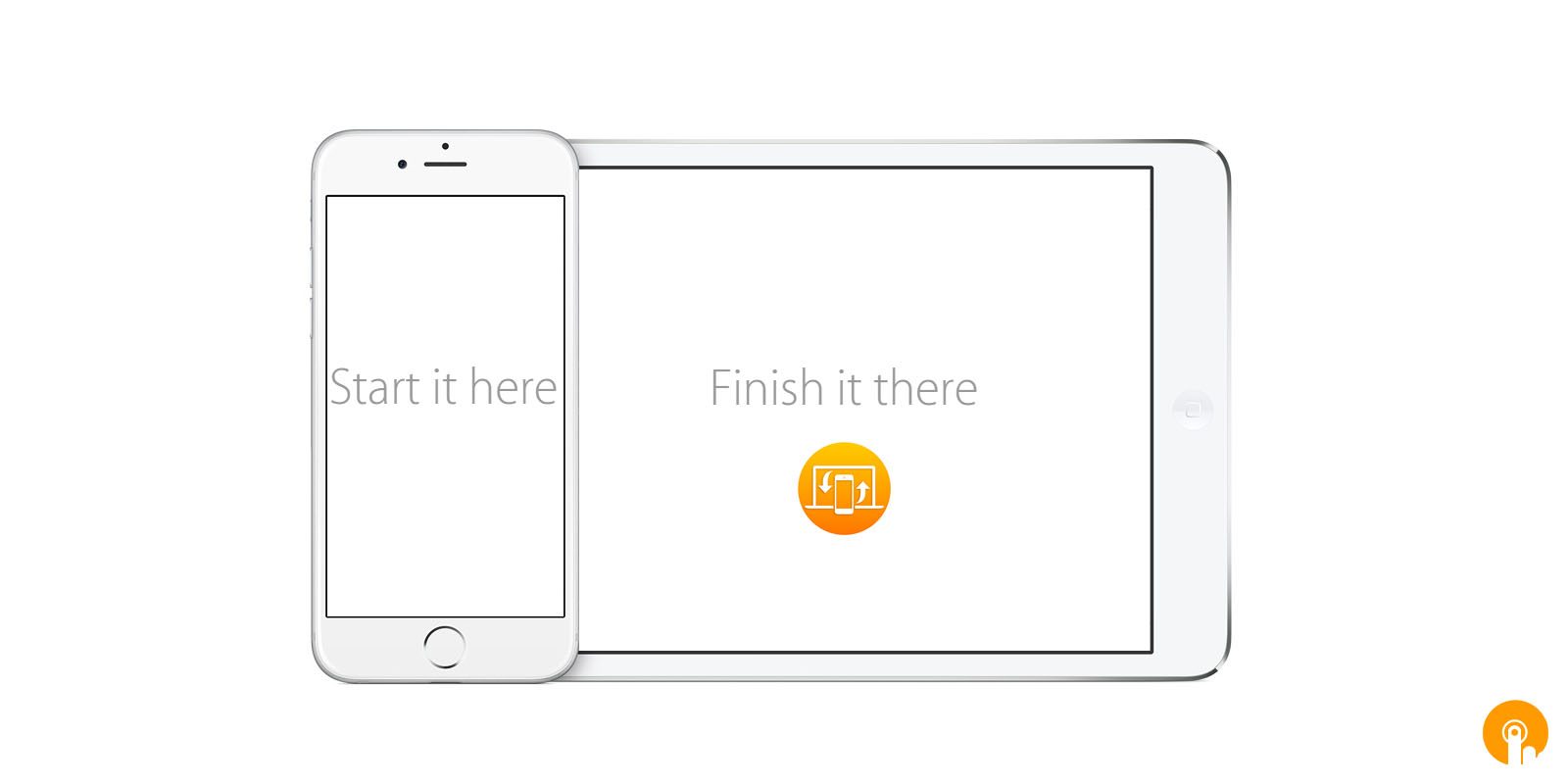
Pick Up Where You Left Off With Handoff
In iOS 8, Apple introduced a new feature called Handoff, which allows you to launch a task on one device and effortlessly switch to a different device to keep on working. For example, you can launch composing an email…
Read article